Details
Shares are transferred (e.g. sold) from one member to another or new member.
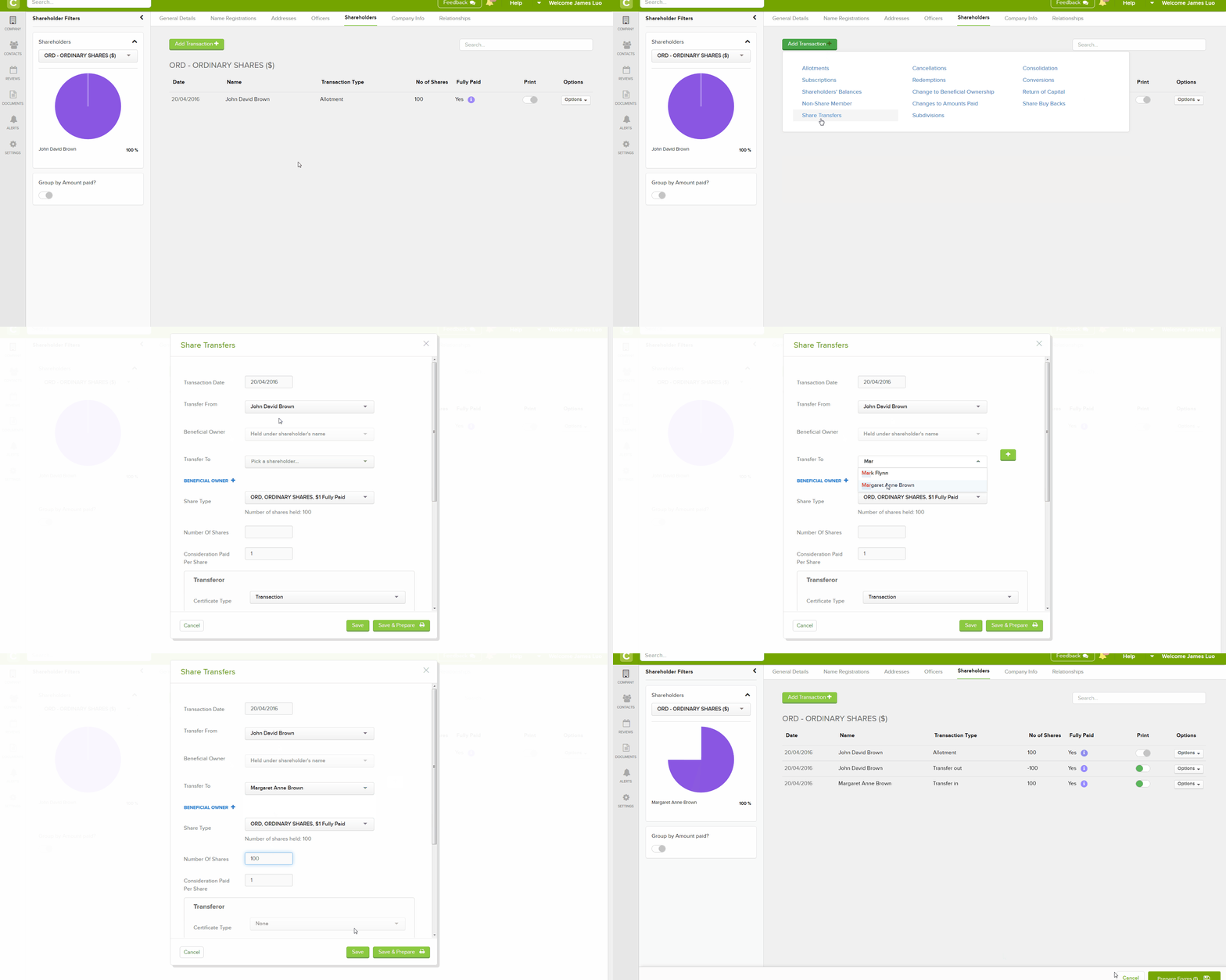
Navigation
| From the Main Toolbar, go to Company. |
|
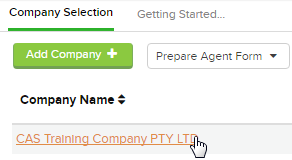
| Select the Company from the list. |
|
| Select Shareholders |  |

Click Add Transaction
Select Share Transfers
Instructions
CAS 360 will display the Share Transfers screen.
| Field | Explanation |
|---|---|
|
Transaction Date
|
Input the date of the transfer |
| Transfer From |
In the Transfer From Field, CAS 360 will display a list of the company's current shareholders |
| Beneficial Owner | CAS 360 will automatically prefil this field if there is a beneficial owner. |
|
Transfer To
|
Begin typing the new shareholder's name. CAS 360 will begin searching the Global Contact screen for the person. If the Contact has not been previously added to the Global Contact screen, Click |
| Beneficial Owner |
Click  to add a beneficial owner from the contact screen if one applies. See beneficial owners for more information to add a beneficial owner from the contact screen if one applies. See beneficial owners for more information
|
|
Share Type
|
In the Share type field, CAS 360 will display a list of the share types the shareholder holds |
|
Number Of Shares
|
Input the Shares transferred |
| Consideration Paid Per Share | Input the amount paid for the transfer of the shares |
|
Number Of Shares
|
Input the Shares allotted |
|
Meeting Status
|
Select the meeting status of the member which will appear on the Resolutions. |
| Notes | Notes can be added in the box displayed. Notes will not feature on the register of members. |

Click 
Forms Prepared
CAS 360 will display the Document Production screen and automatically select the documents required:
- Registers – Members
- Directors Meeting Minute or Resolution
- Form J10
- Form J30
- Allotment Journal (optional)
- Share Certificates
- Transfer Journal
- Share Transfer Form
- Notices of Beneficial Ownership (only if a Beneficial owner was selected)
- Declaration of Trust (only if a Beneficial owner was selected)
- Members Meeting Minute
- Members Consent