Overview
The Company Info screen is a collection of all company data that is not attached to a contact.
This includes data such as Debentures, Patents & Trademarks.
The benefit of the Company Information screen is that all this data is stored together, making this information simple to view, change and prepare documents for.
Navigation
| From the Main Toolbar, go to Company. |
|
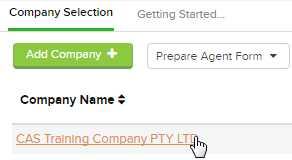
| Select the Company from the list. |
|
| Select Company Info |  |
Details
To add company information, click

The Information that can be added in the Company Info screen include:
- Annual Reports and Documents
- Business Activity
- Capital
- Charges
- Client Data
- Company Notes
- Debentures
- Patents & Trademarks
- Seal Register Entries
- Security Licences
- Tax File Number
- URL's